
How to create an account
The first step to start using the system is to create an account and log in.
It only takes a few minutes.
What you get with an account
After registration, you will get access to your dashboard where you can:
- add masters;
- create services;
- set up your working schedule;
- get a personal booking page;
- manage bookings and view reports.
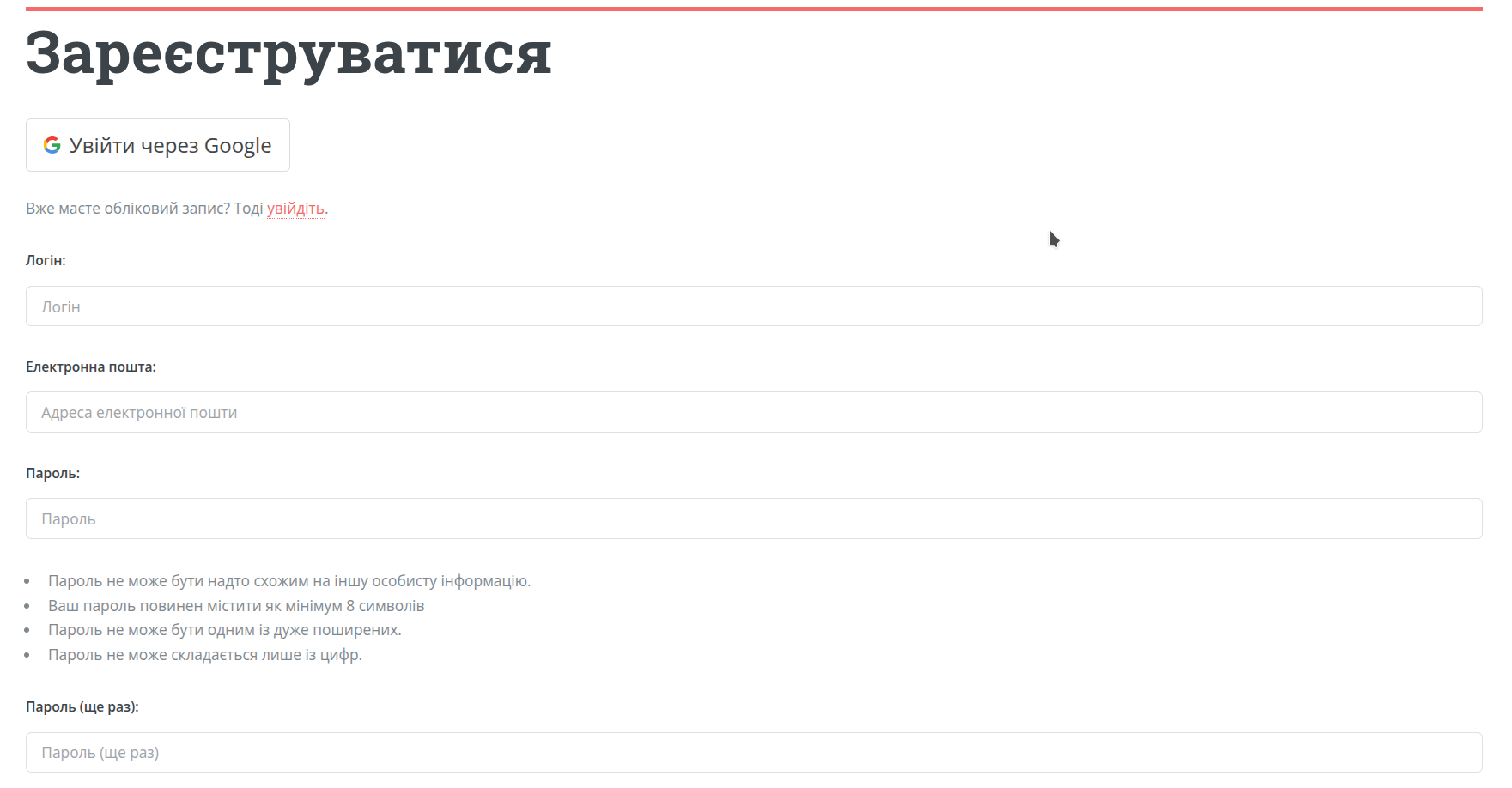
How to register
Step 1. Open the login page
Click “Log in” or “Get started” on the website.
Step 2. Choose a login method
You can:
- log in with Google;
- or sign up using email and password.
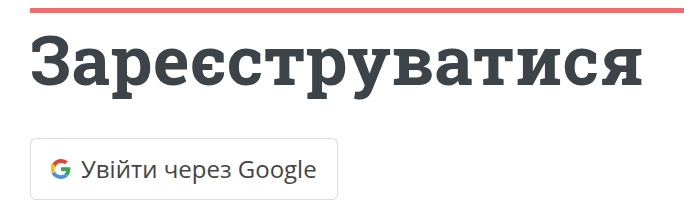
If you want to start quickly without extra steps, the easiest way is to use Google login.
If you choose email and password, you will receive an activation email. Follow the link in the email to confirm your address and access your dashboard.

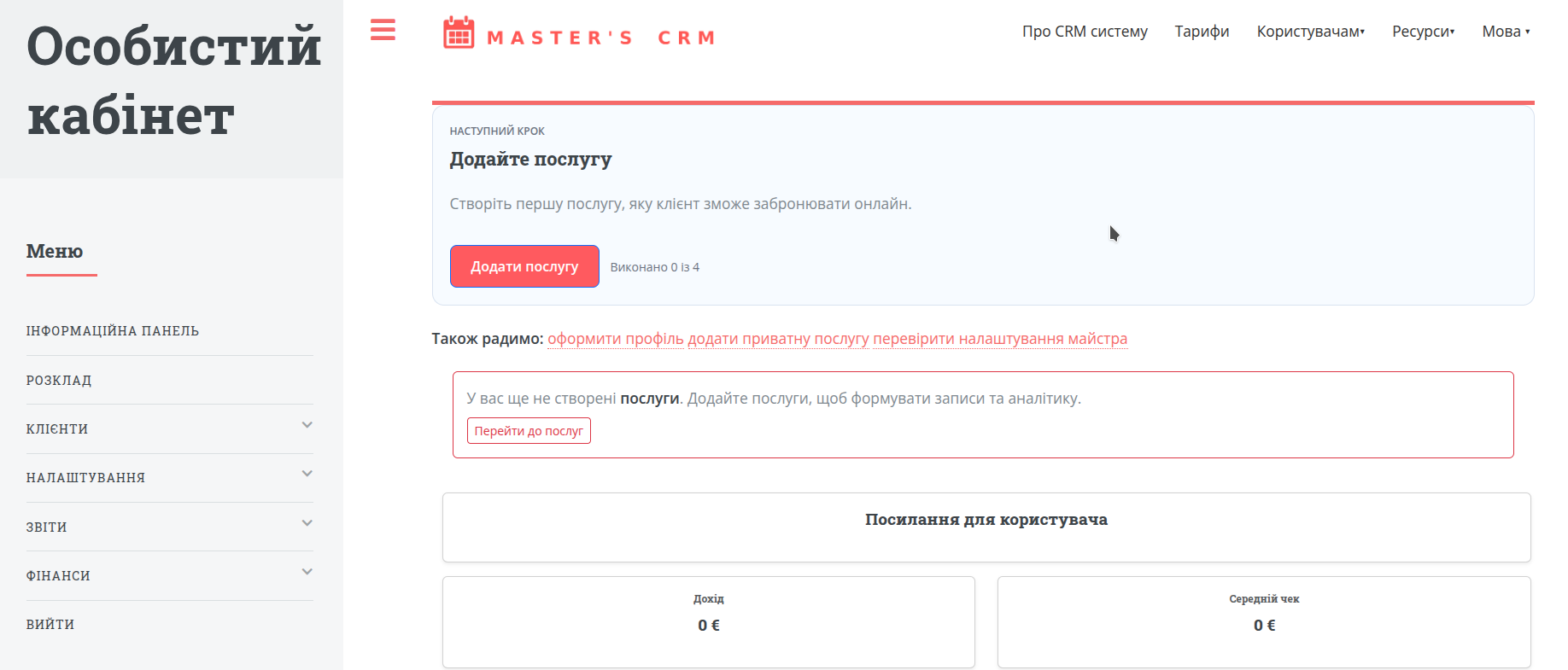
Step 3. Access your dashboard
After successful login, the system will open your dashboard or the onboarding setup page.
What to do after login
After creating your account, you don’t need much time to figure things out. The next steps are simple:
If you can’t log in
Forgot your password
Use the password recovery option on the login page.
No email received
Check your spam folder and make sure your email address was entered correctly.
Google login issues
Try another browser or log in using email and password.