
How to set up your profile
Your company profile is the foundation of your public page. This is what clients see before booking.
A completed profile builds trust and increases the chance of bookings.
What the profile includes
In your profile, you can add key information about your business so new clients can understand who you are and how to contact you.
- your name;
- service description;
- address;
- contact details;
- Instagram;
- logo and photos.
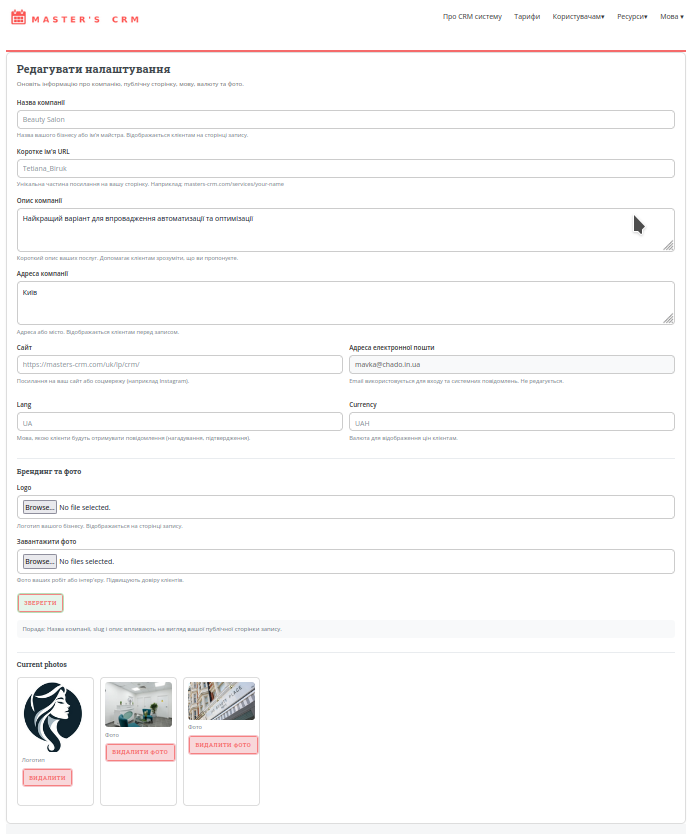
What to fill in first
1. Short URL name
This is shown in the address bar.

2. Company name
The name your clients know you by. It appears at the top of your public page.
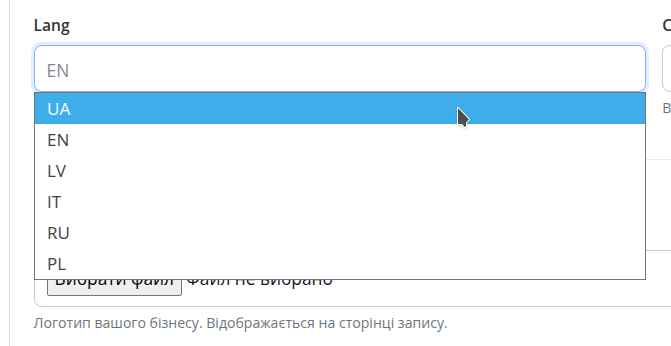
3. Language
The language your clients will receive messages in (reminders, confirmations).
4. Logo and photos
Not required, but images make your page more engaging.
Why this matters
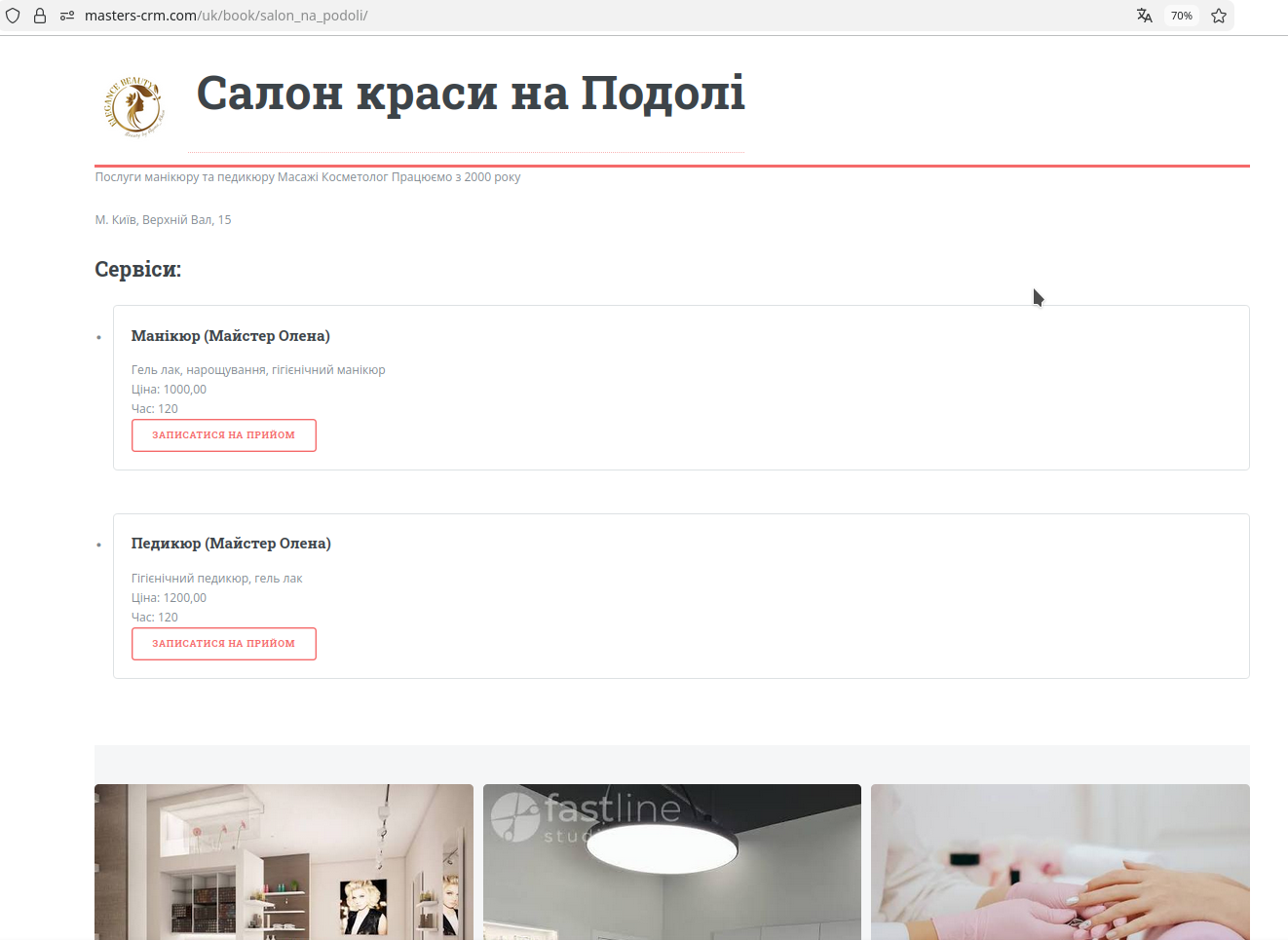
These details directly affect how your public page looks. You can keep it minimal, or add photos and detailed information. A richer profile looks more trustworthy and active to new clients.
- a complete profile builds trust;
- photos make your page feel alive;
- address and contacts reduce unnecessary questions;
- a good description helps clients choose you faster.
Useful tips
Add real photos
Even a few real photos work much better than an empty page without images.
Check your links
If you add Instagram or a website, make sure the links are correct and open without errors.