
Start getting bookings today
Set up the system in a few simple steps and get your first online booking.
It takes less than 10 minutes.
Create your account
Sign up in a few clicks using Google or email and password.
Add a master and services
Set a work schedule, add services, duration and price.
Share your booking page
Send your personal link to clients and receive bookings online.
1. Create an account
Register in a couple of clicks. You can sign in with Google or use your email and password.
Create account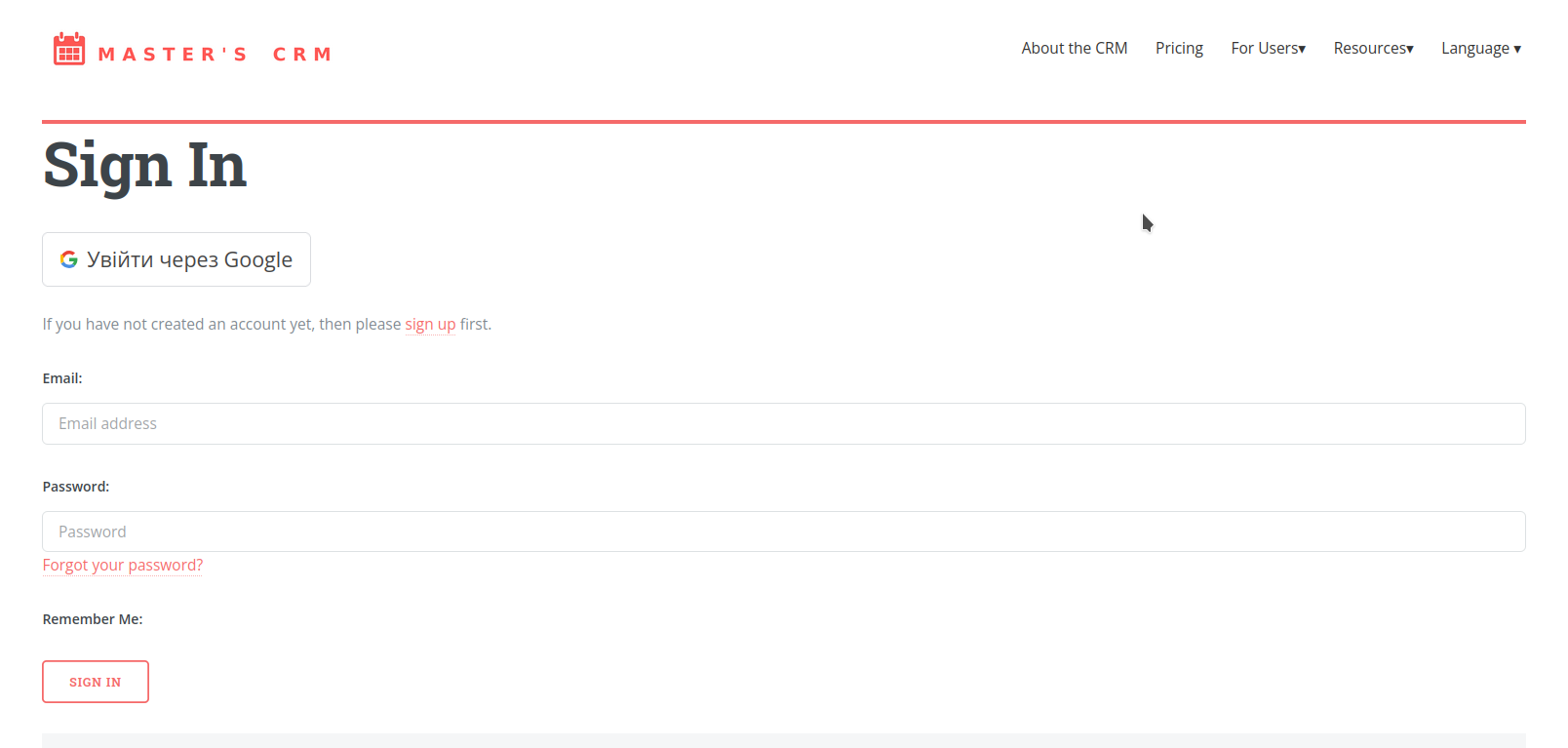
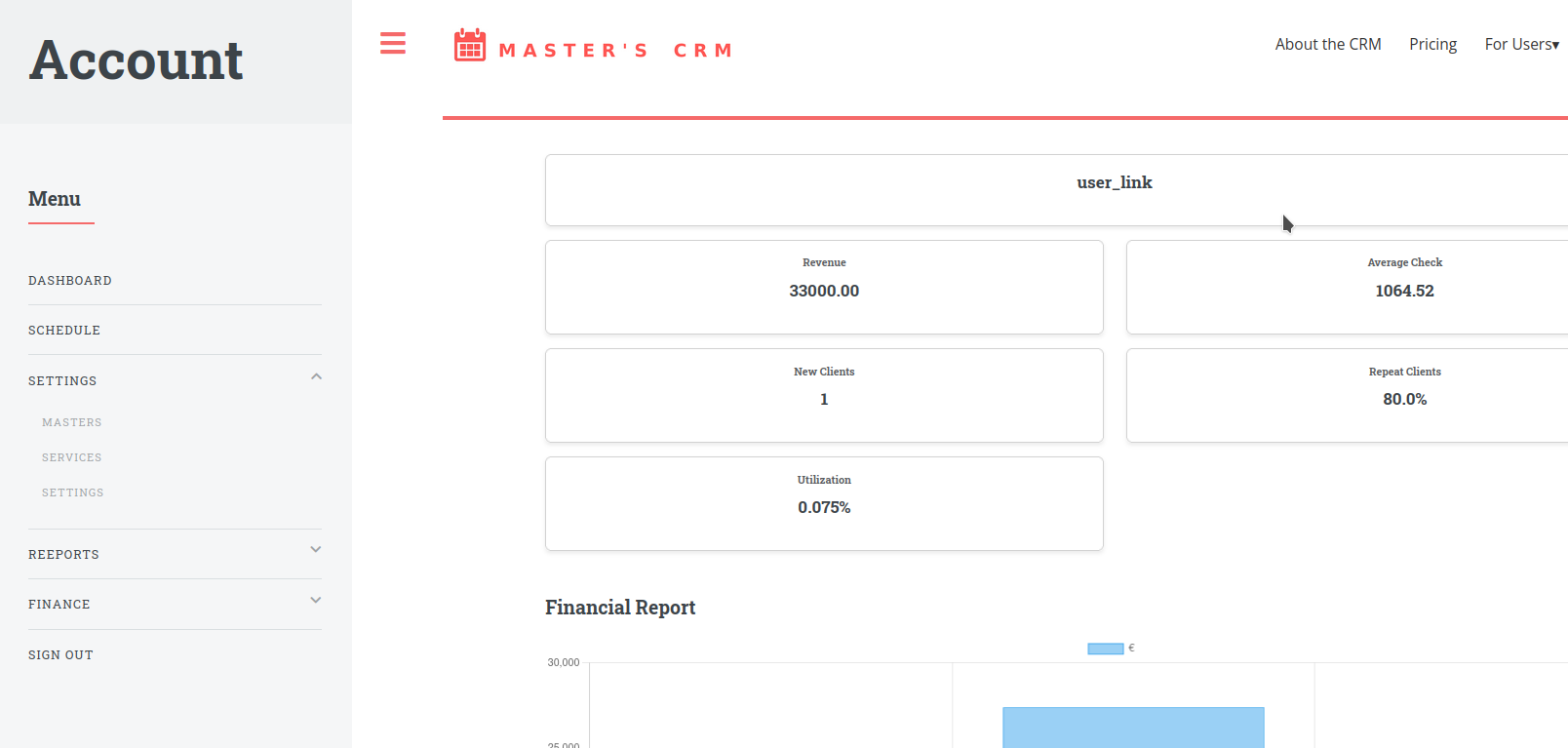
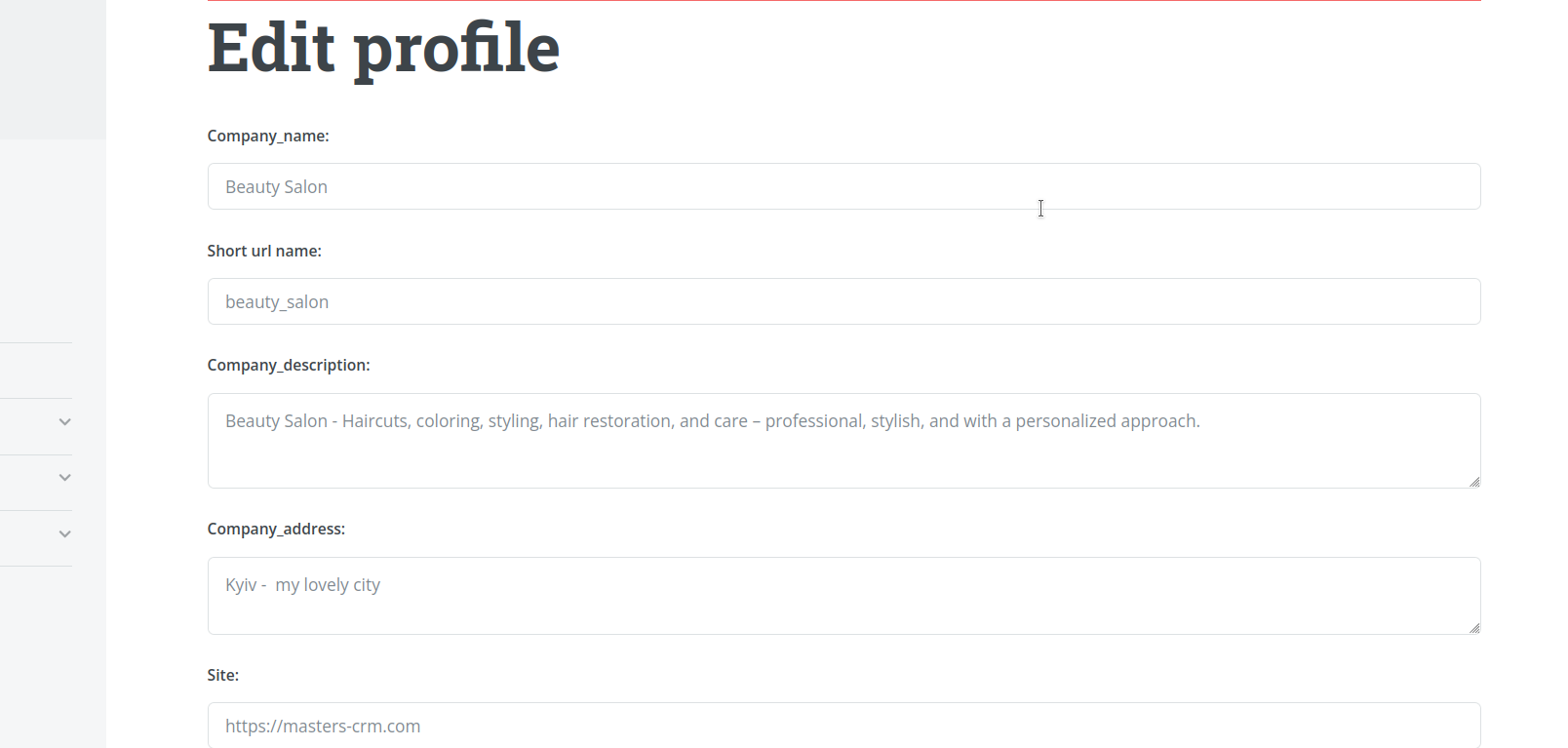
2. Set up your profile
Add company information, contacts, logo and photos so clients can recognize and trust you.
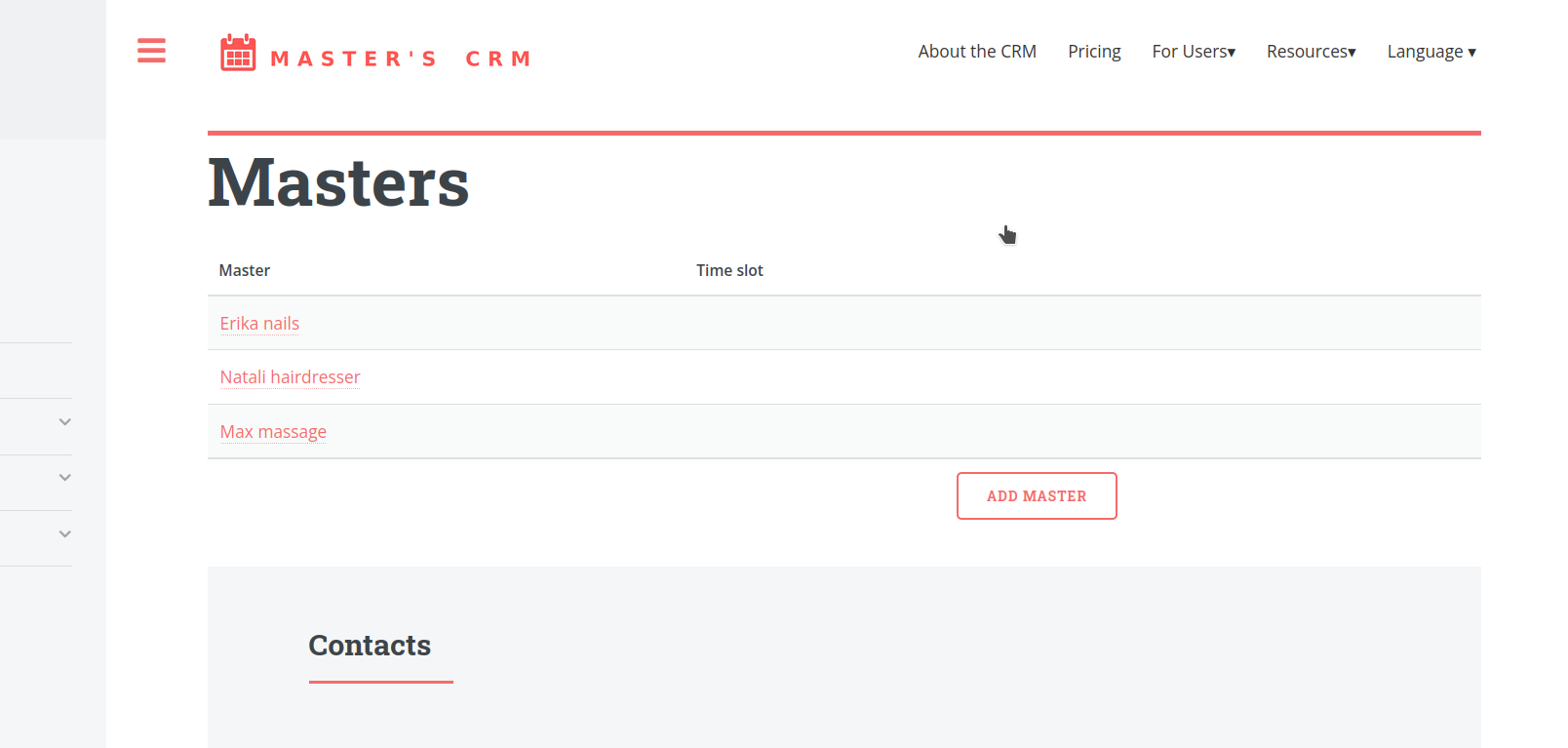
3. Add a master
Add yourself or your team member, set working hours and booking rules.
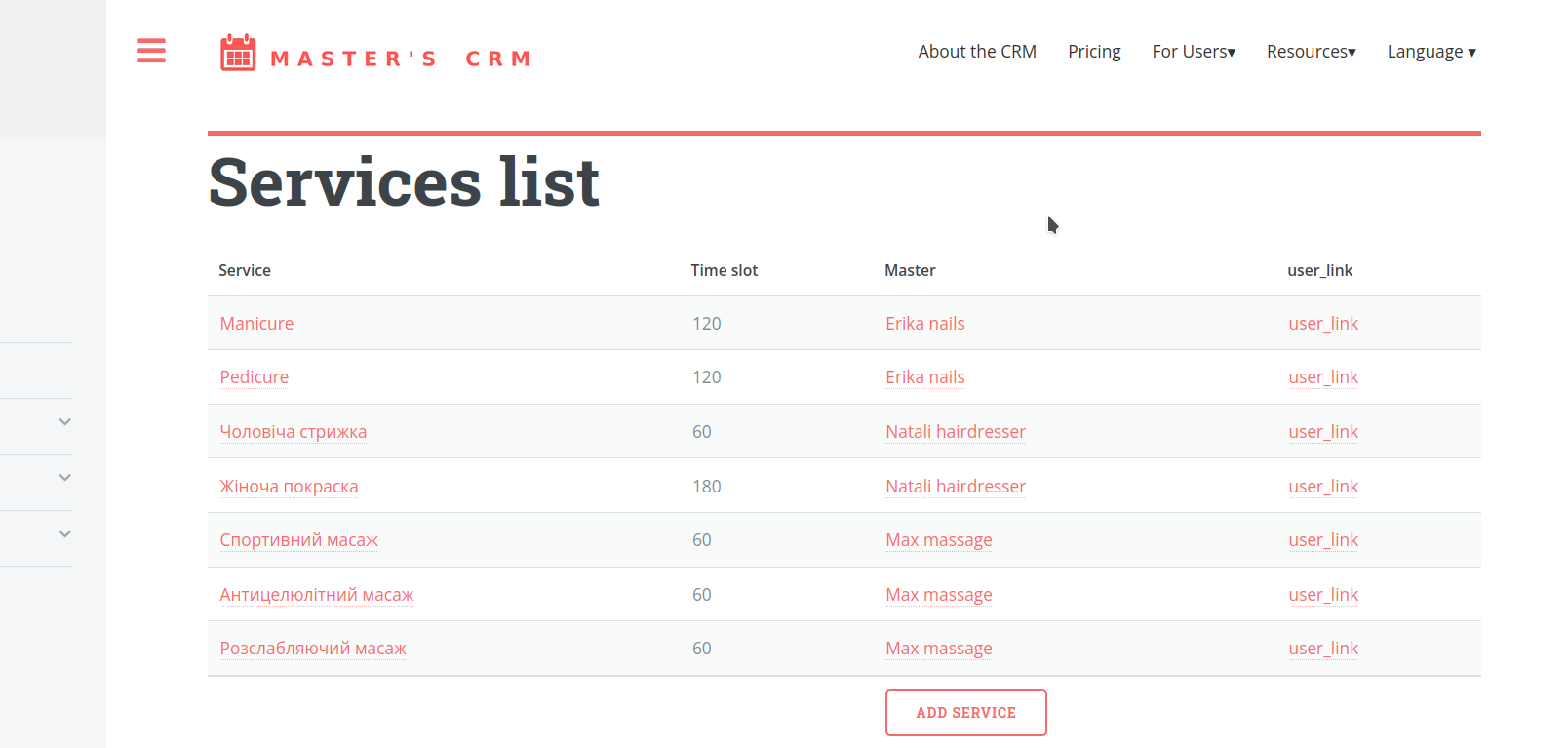
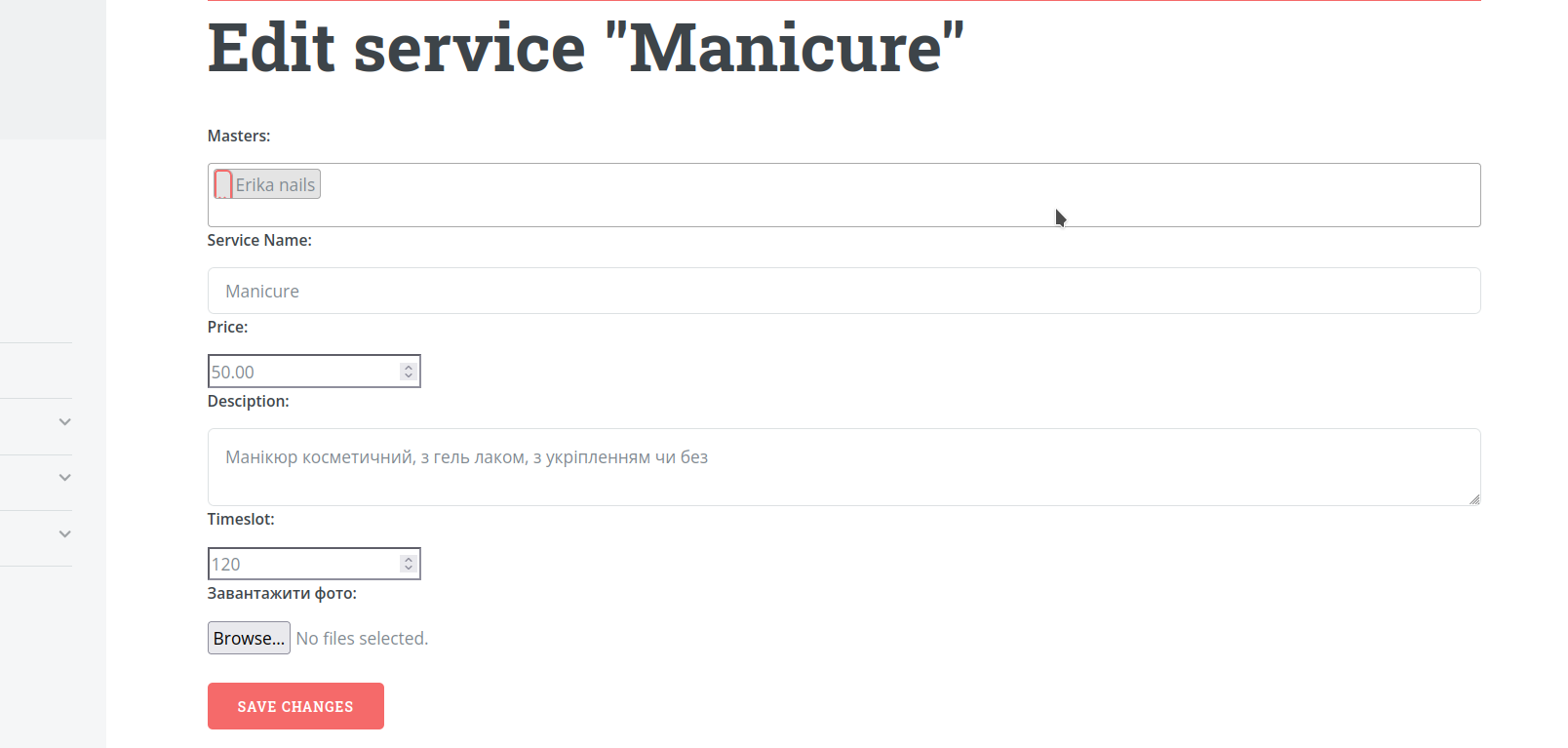
4. Add services
Specify the service name, duration and price. The system will use this to build available booking slots.
5. Get your booking page
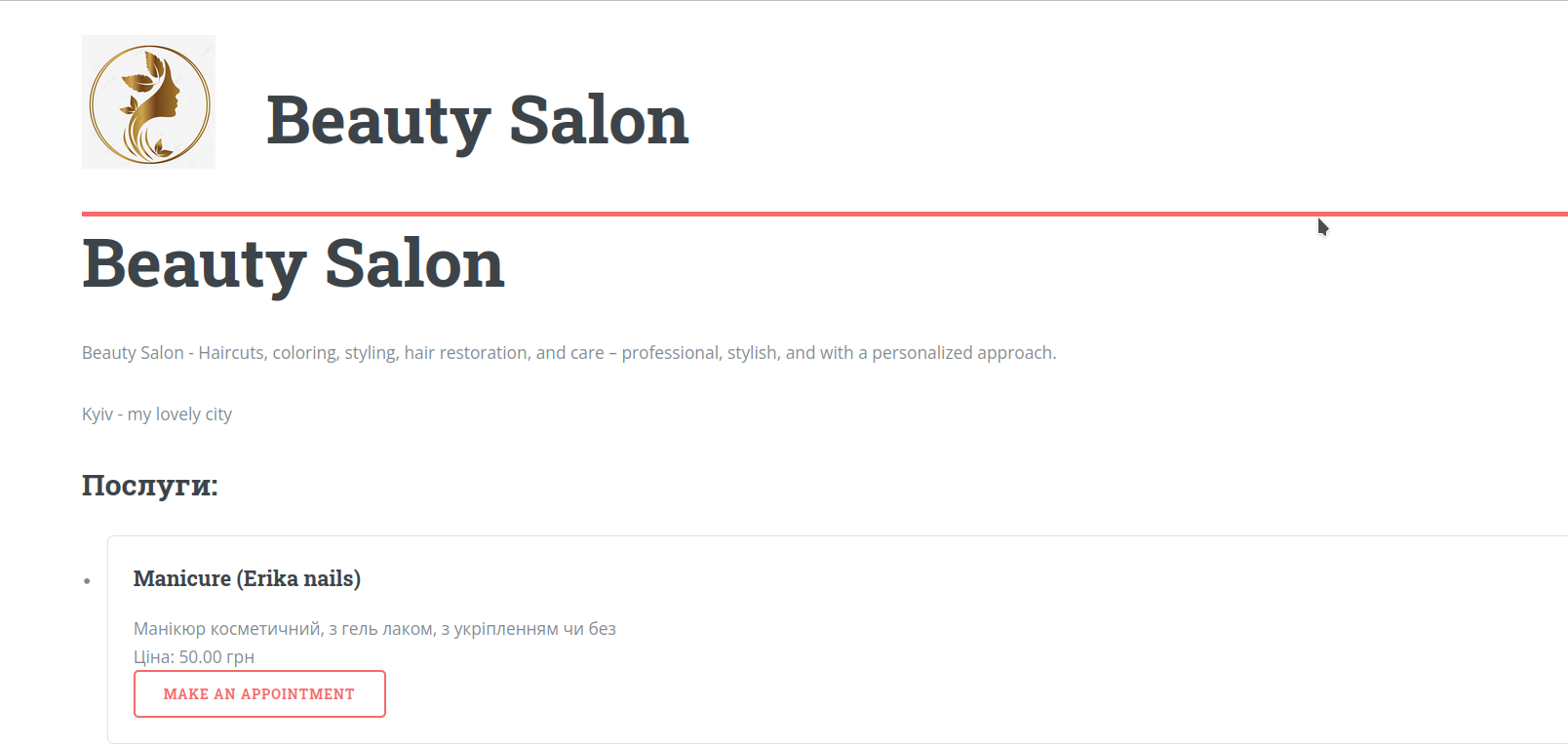
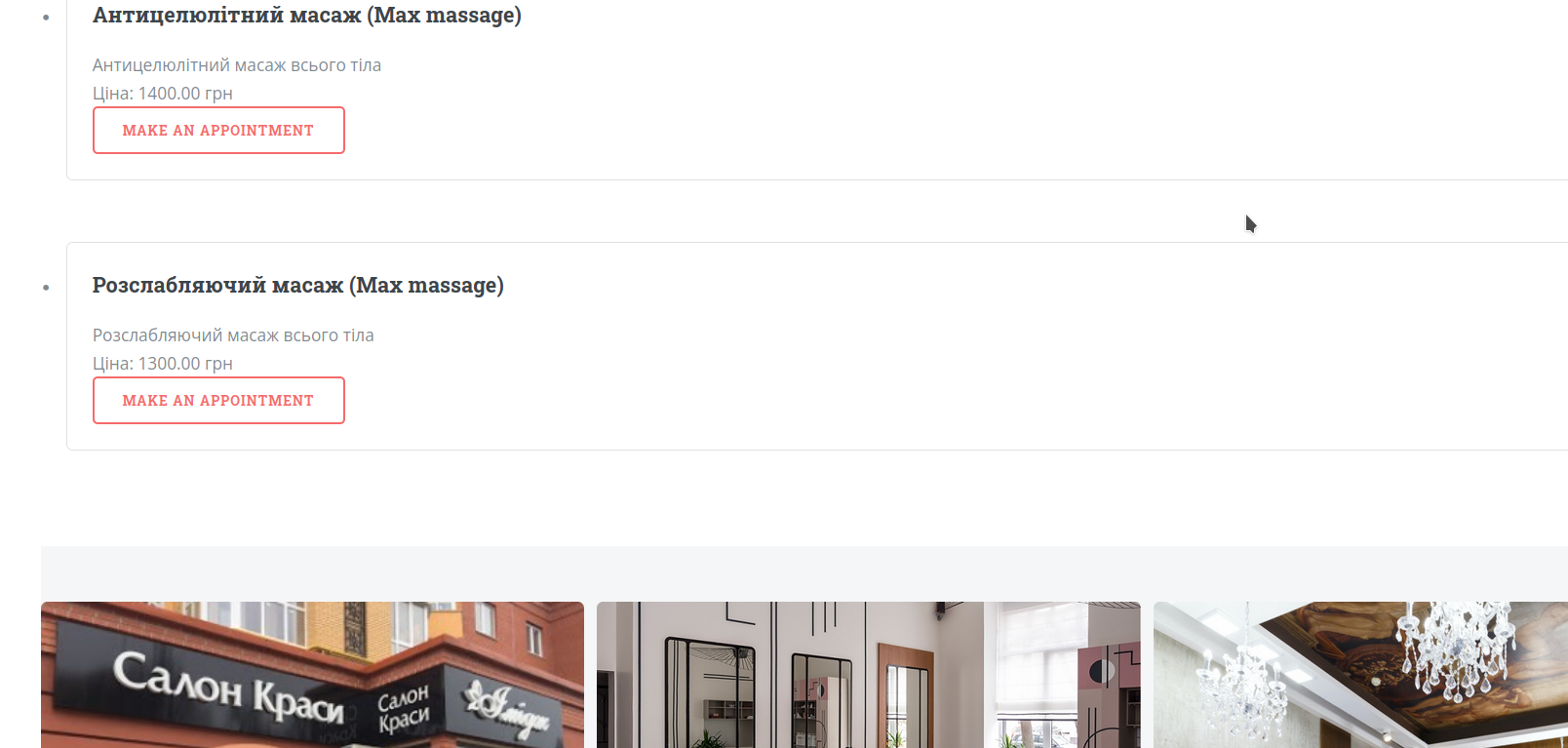
You get a personal page with company information, services, photos and online booking.
Share this page in Instagram, WhatsApp, Telegram or anywhere your clients contact you.
6. Receive bookings online
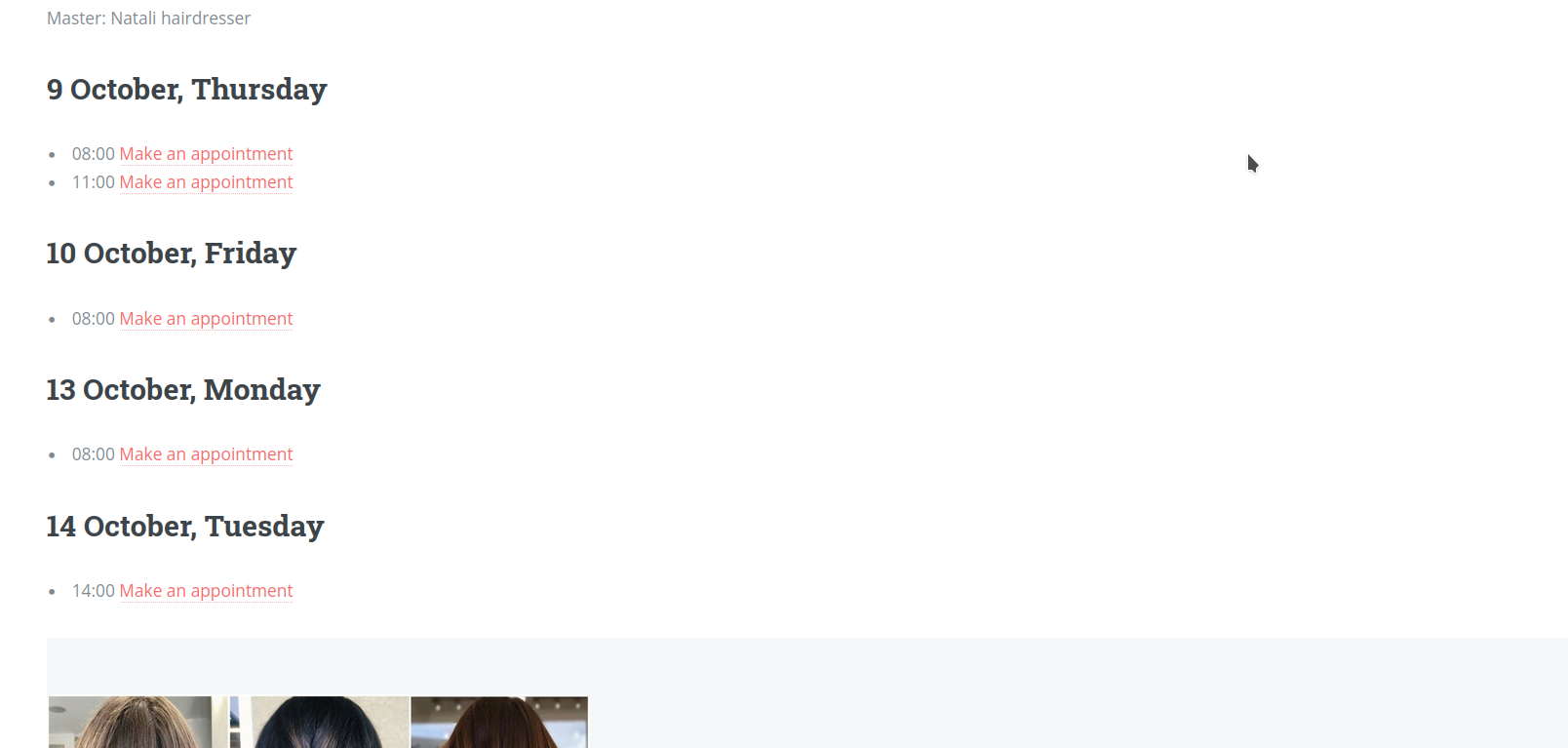
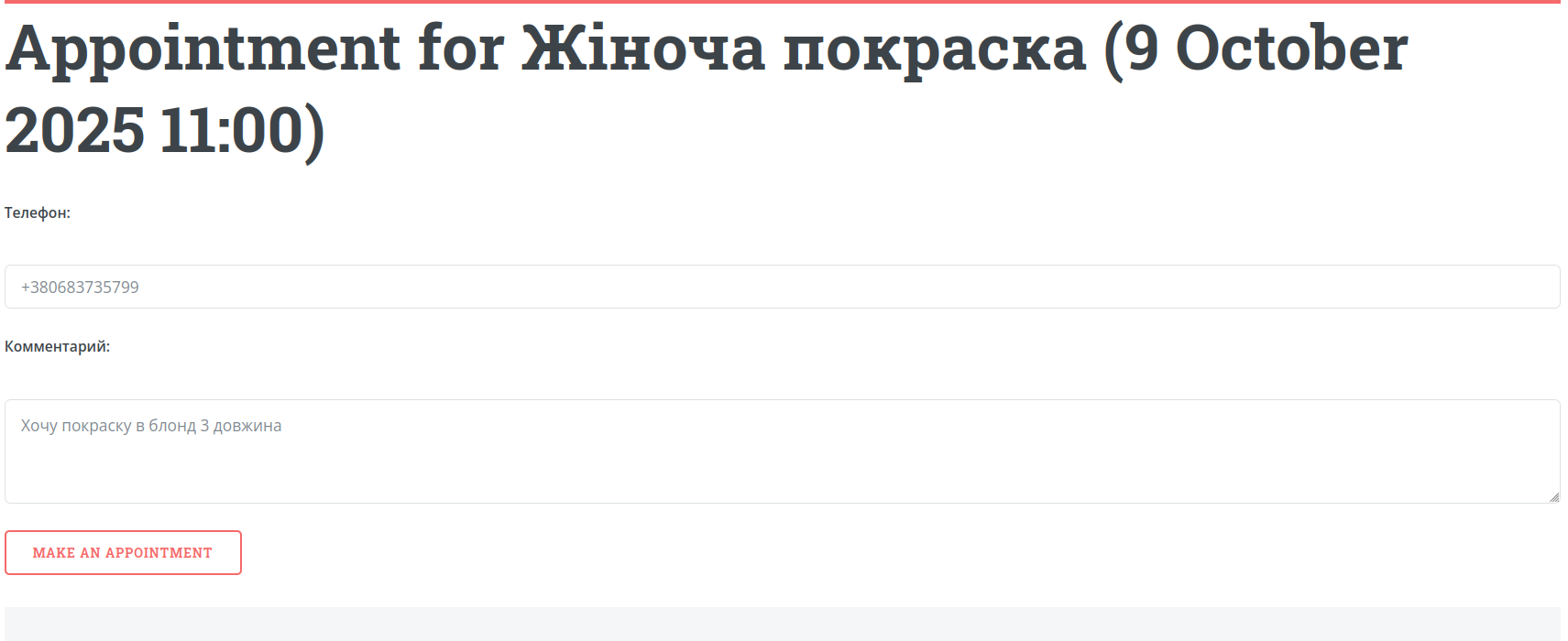
Clients choose a service, date and time in a few clicks. Bookings automatically appear in your calendar.
7. Use reminders and confirmations
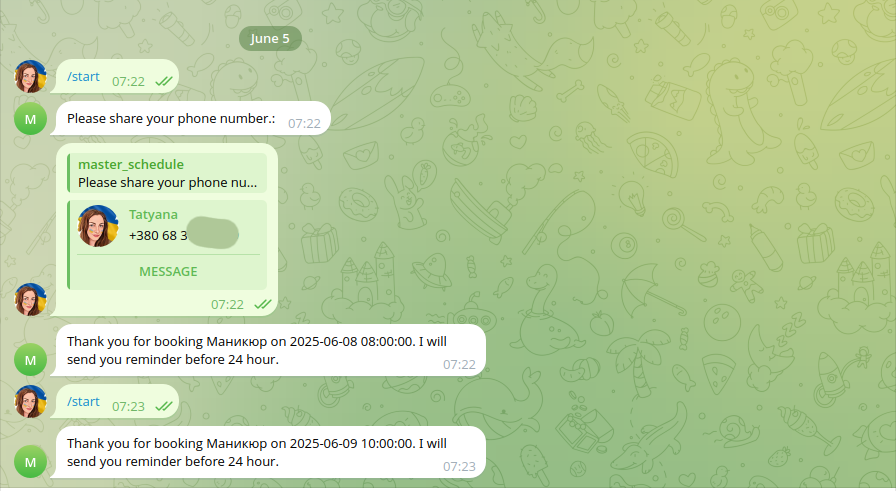
The system automatically sends reminders through messenger so clients are less likely to forget about their visit.
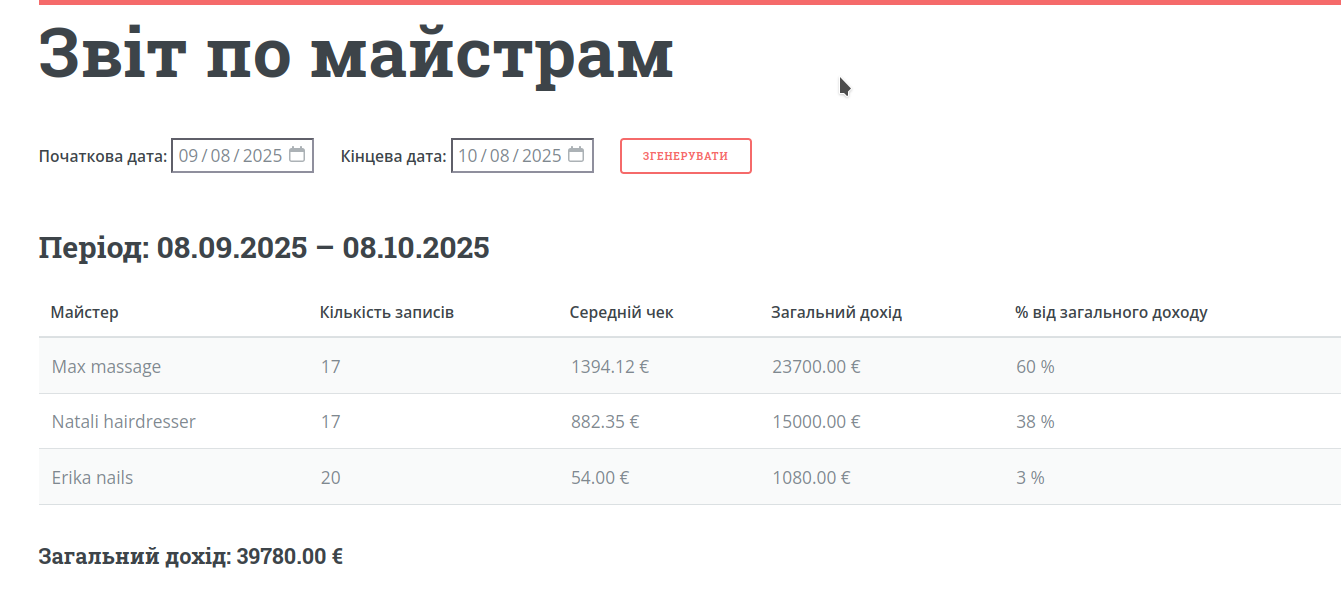
8. Track your results
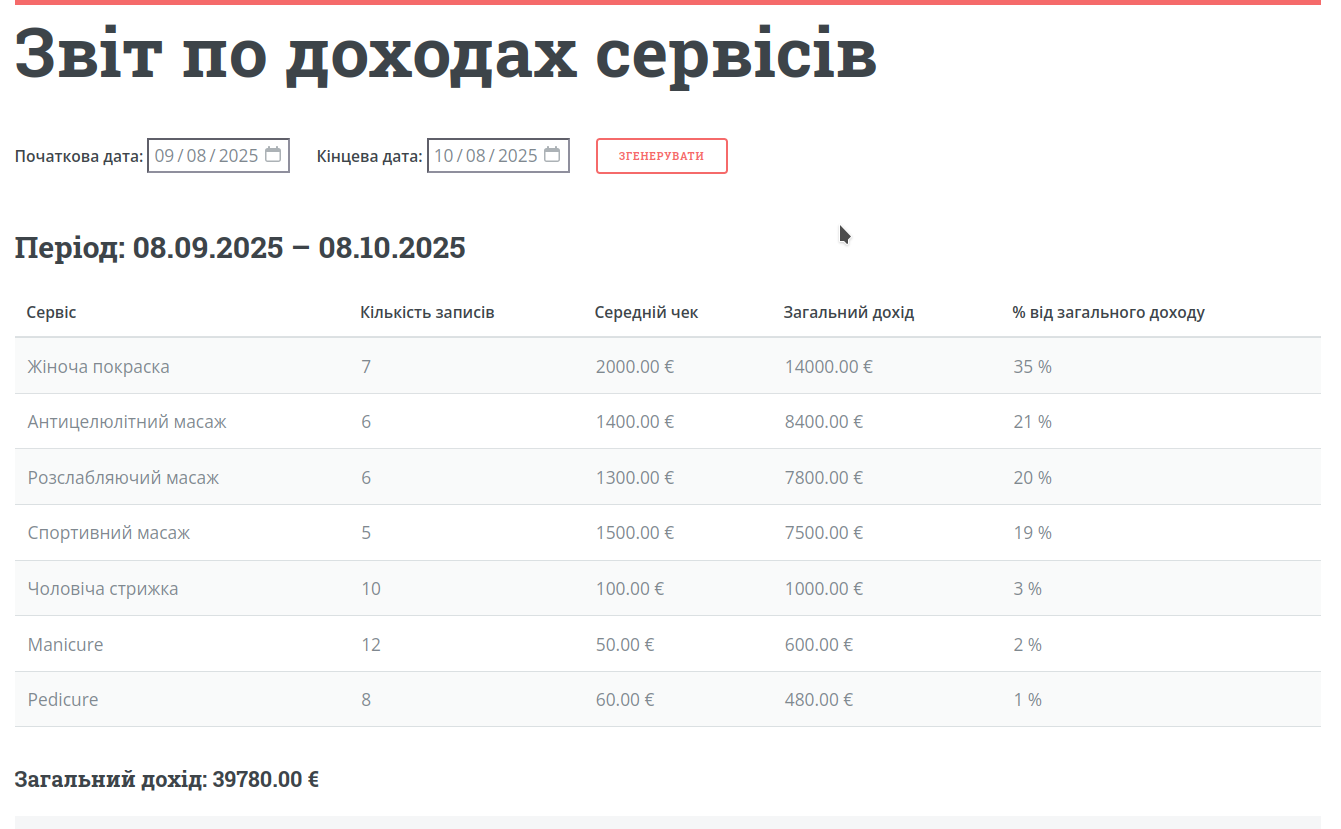
View reports by masters, services and clients. Understand what brings revenue and which clients are most loyal.
What you get after setup
Online bookings
Clients can book without long chats and manual coordination.
Automatic reminders
Reduce forgotten appointments and improve attendance.
Clear control
Calendar, client history and reports in one place.
Start today
Use the demo or create your account and launch your booking page.