
How to share your booking link
Your link is the easiest way to get clients without messaging back and forth.
Send it once — and the client will choose a time and book самостоятельно.
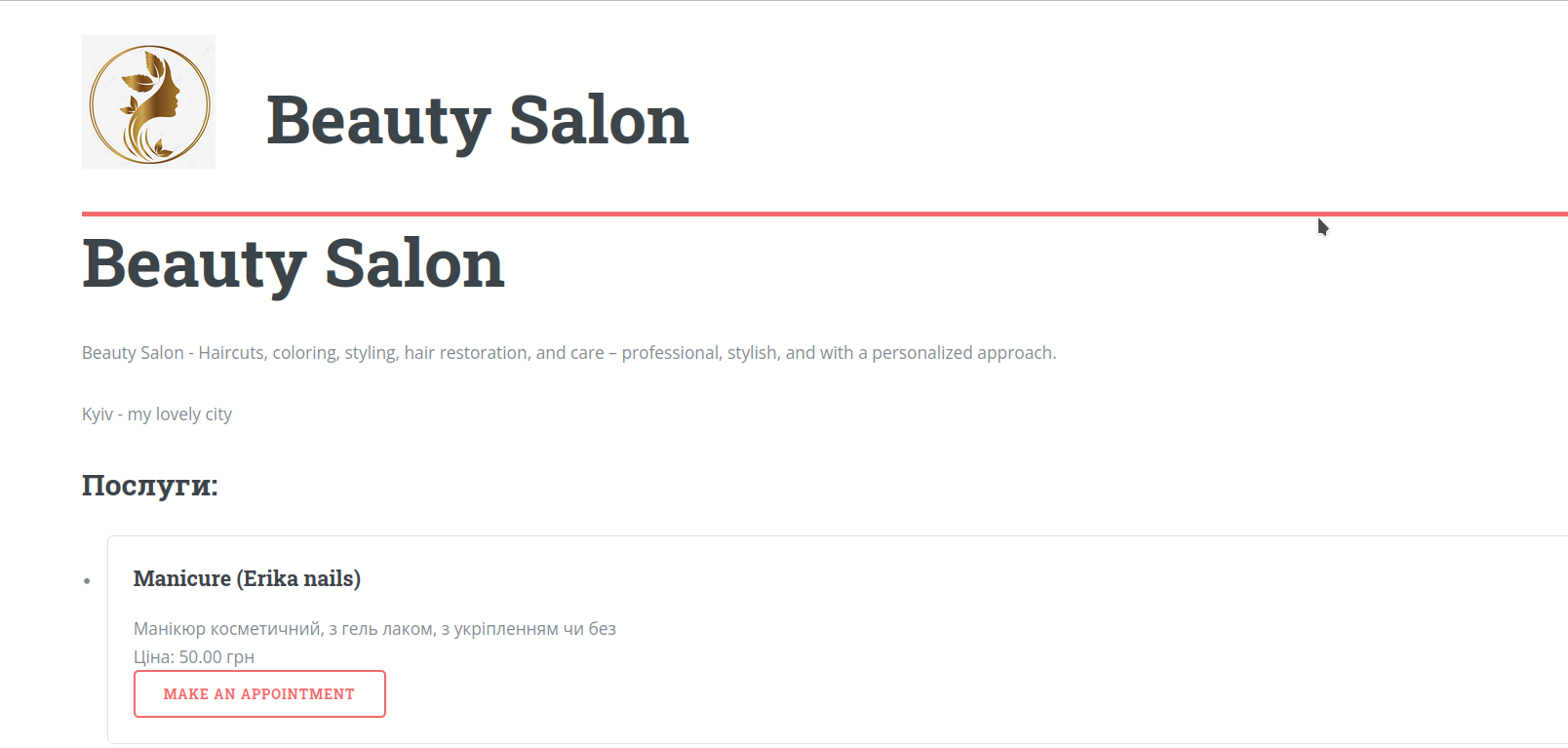
What this link is
After setting up your profile, the system creates a personal page for you.
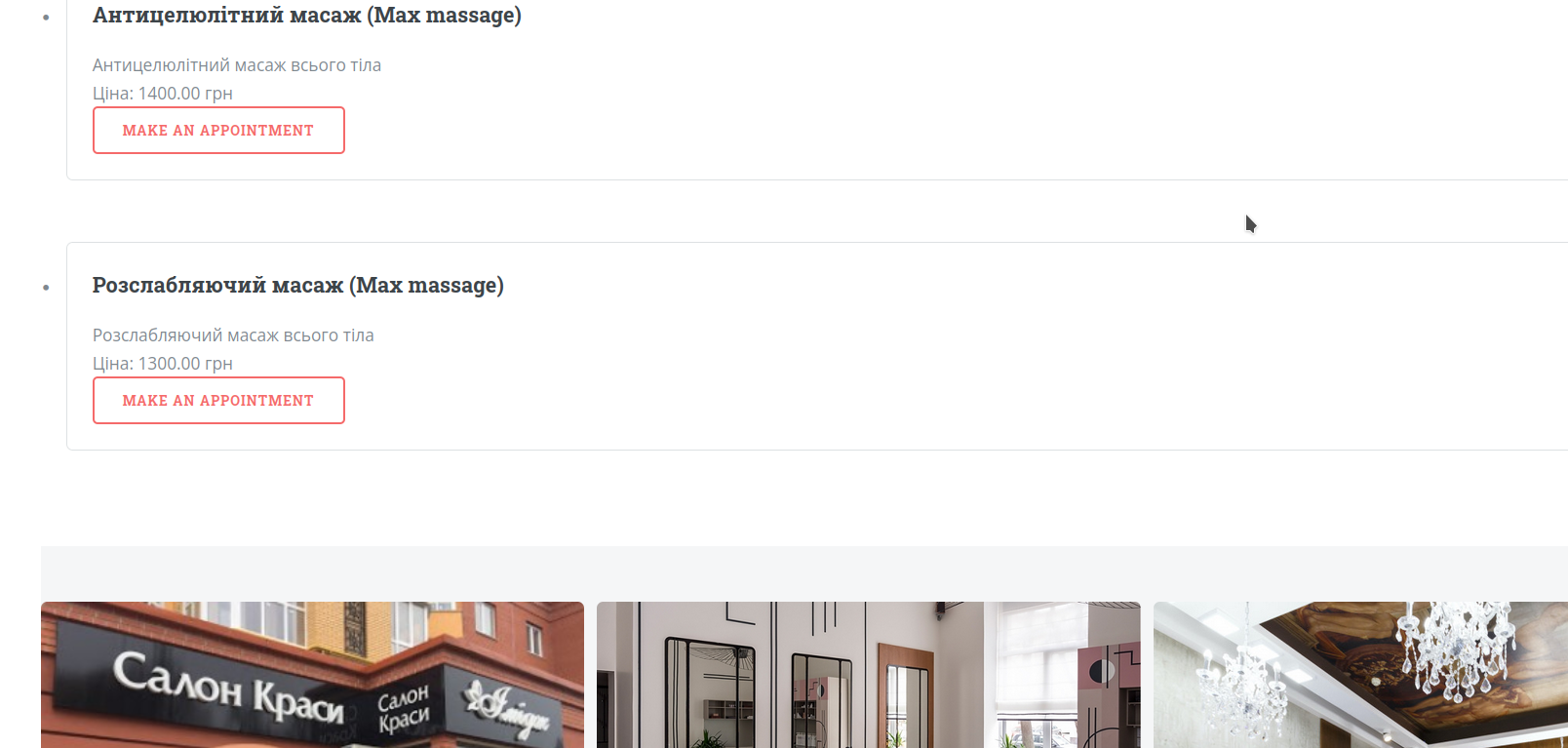
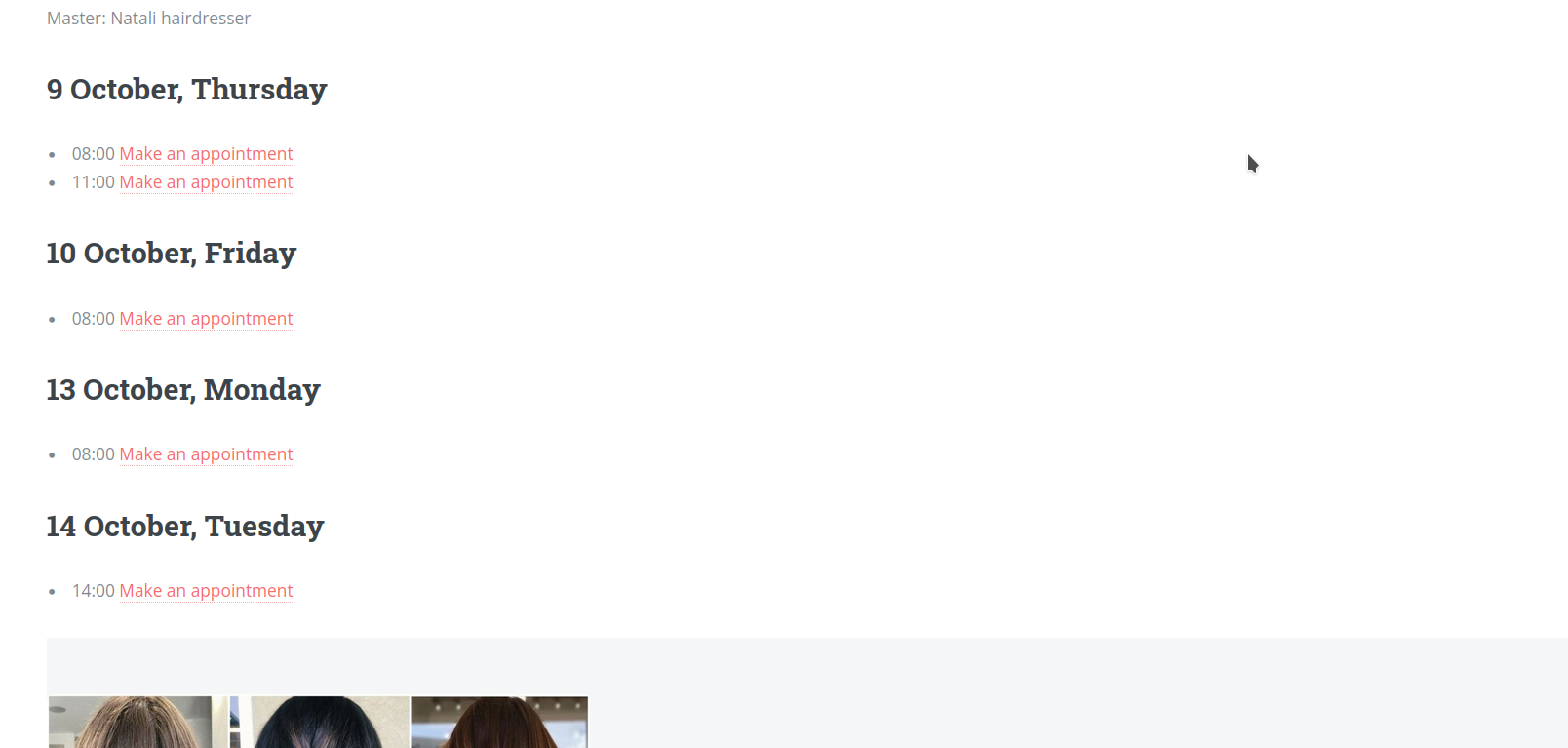
- your information and photos;
- list of services;
- available time slots;
- online booking option.
This is the link you send to your clients.
Where to get your link
In your dashboard
The link is usually available in your profile or dashboard. There is a “Copy” button there.
Link format
It looks like this:
yourcrm.com/yourname
Where to send the link
Add the link to your bio or send it in direct messages.
WhatsApp / Telegram
Send it when a client asks about booking.
Website or social media
Add a “Book now” button with this link.
Use it consistently
Always use the same link — clients will get used to it quickly.
How to send it properly
Instead of long explanations, send a simple message:
“Here is the booking link — please choose a convenient time 😊”
This is much faster than coordinating time manually.
Why it matters
Less messaging
Clients choose the time themselves — no need to coordinate options.
Fewer mistakes
No risk of mixing up date or time.
More bookings
It’s easier for clients to book immediately than wait for a reply.
Useful tips
Pin your link
Add it to your Instagram bio or pinned messages.
Use it everywhere
Add the link to your signature, ads, and all contact points.
Check your page
Open it regularly as a client to make sure everything works correctly.
What’s next
Once clients start booking, it’s important to analyze results and understand your performance.